
Quick Start Tips
All your jobs are listed in My Tasks
- Check Comments for any updates from the office or other operators
- Tap into each job to review Job Info, Location, and any special instructions
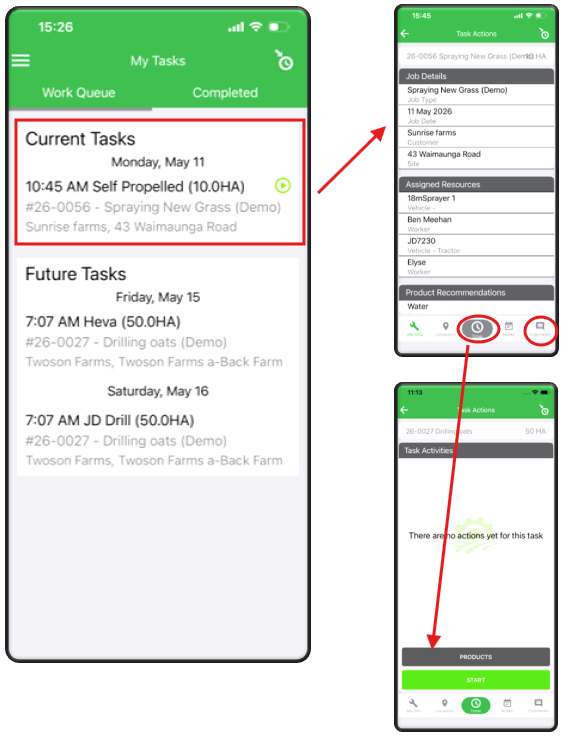
- Tap Start on the Timer as soon as you begin
- Use Pause if you stop work and record the reason
- Add Products or Materials as you use them
- Take Photos to document work, issues, or site conditions
- Tap Finish when the task is complete
- Fill in:
- Work completed.
- Materials used.
- Variations or issues.
- Review and Save to notify the office.