Enabling Spray and Spread Recording
To enable spray and spread recording in the JobFlow mobile app, you first need to configure your task templates to use the Spray or Spread card types.
Once enabled, operators will be able to record weather conditions and paddock mixes directly from their mobile devices.
Enabling Spray and Spread Cards in Templates
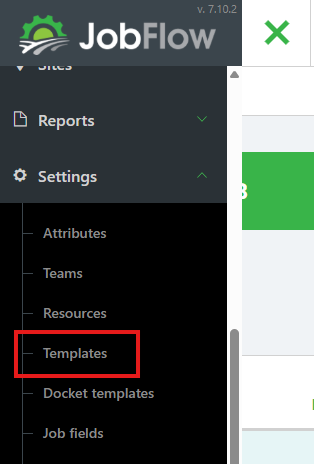
Open Templates
- Open the Hamburger Menu
- Navate to Settings → Templates
Select a Template
- On the templates page click on the the template you want to update.
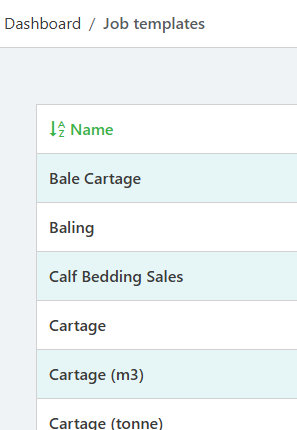
- Click Edit Job Template (top right)

Set the Card Type
On the task you want operators to complete, change the Card Type to either:
- Spraying, or
- Spreading
This enables the corresponding buttons in the mobile app.
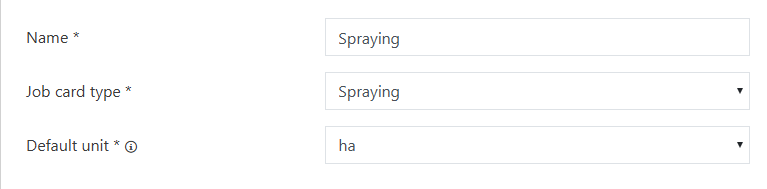
- Click Save Job Template (bottom left)

On the Mobile App
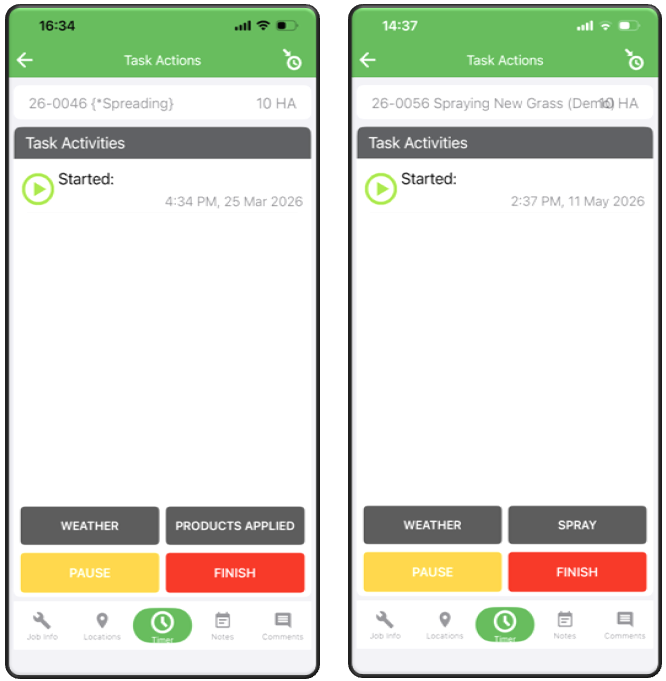
Once the template changes are saved, operators will see new spray‑related options on the mobile app.
On the Timer screen:
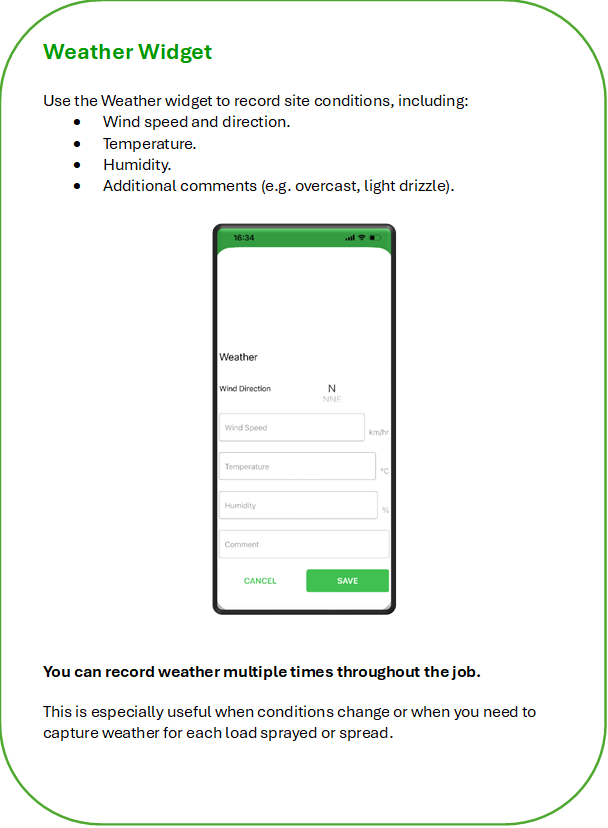
- The Weather bar will appear
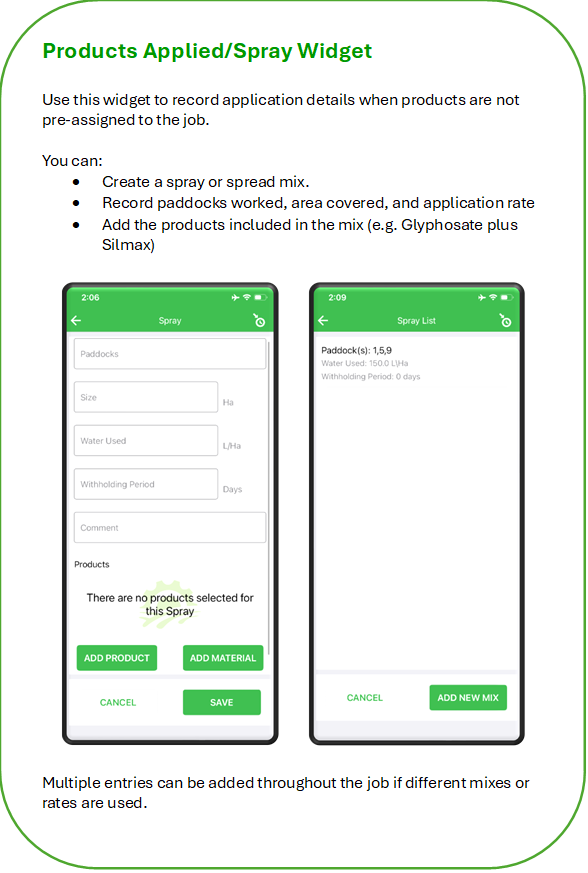
- Either Products Applied or Spray bars will appear depending on the card type selected
Operators can tap either bar to open the relevant section and enter:
- Weather conditions
- Paddock mixes
- Products applied