
Dockets
Creating a Docket
A docket is a digital record created by field staff to record extra work not planned while on site.
Dockets help track jobs properly, give clear communication, and reliable information for timesheets, materials, and invoicing.
To create a docket:
- Open the hamburger menu.
- Tap Create Docket.
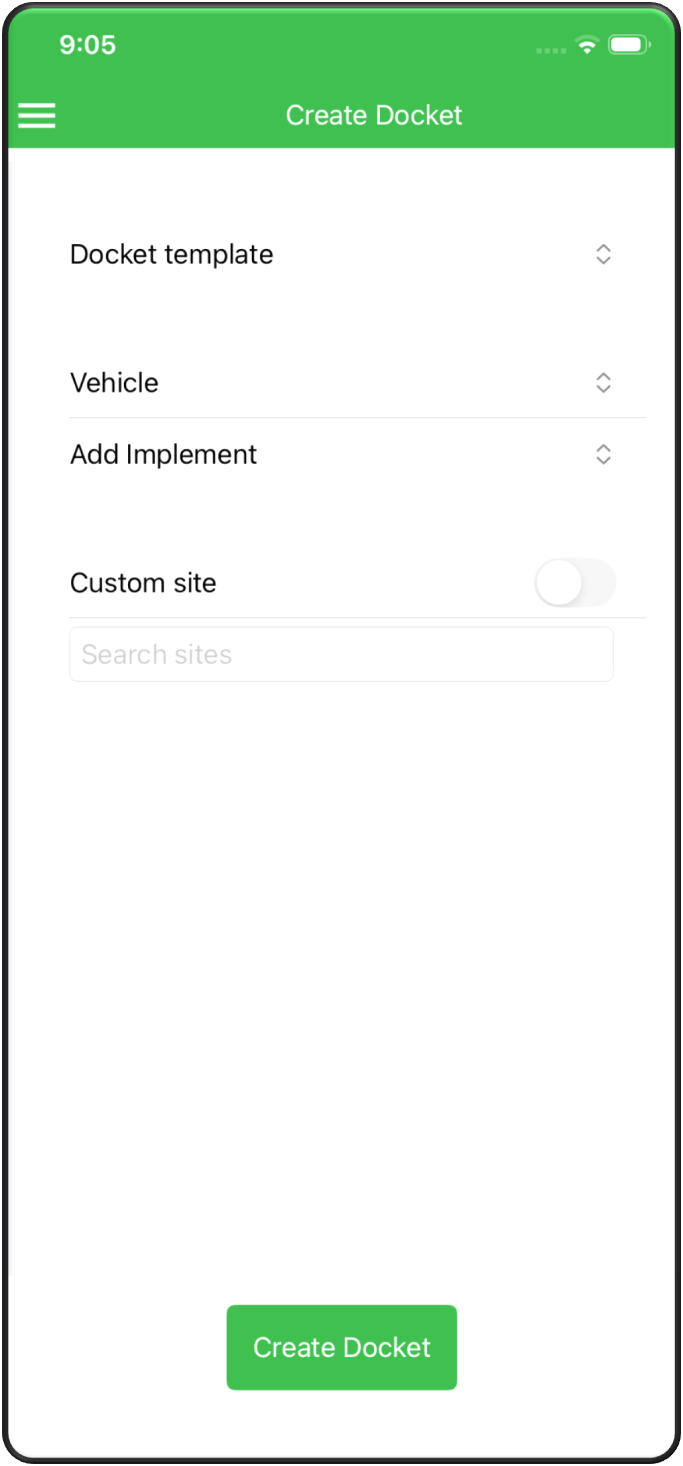
Each section includes dropdown boxes so you can select the correct information:
- Docket Template.
- Vehicle.
- Implement.
In the Custom Site field, search for the customer’s name.
If you are unsure, slide the toggle beside Custom Site and enter the site address manually.
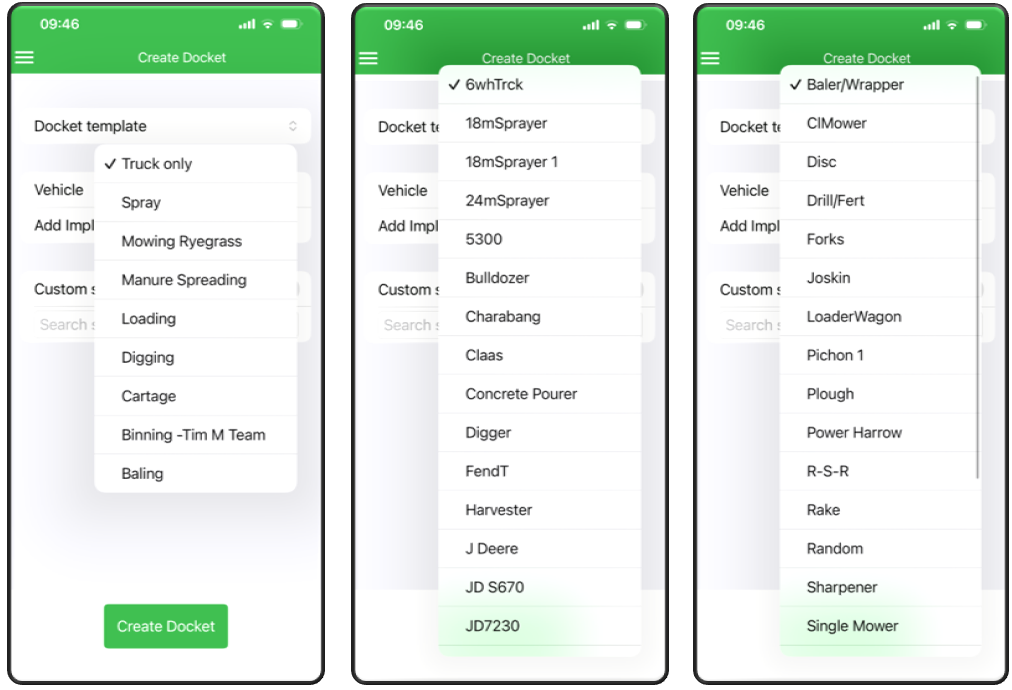
Once all fields are completed:
- Review the information.
- Tap Create Docket.
- Notify your admin so they can process the job.