
Creating a Docket on the Mobile App
A docket is a digital record created by field staff to record extra work not planned while on site.
Creating a Docket
To create a docket:
- Open the hamburger menu.
- Tap Create Docket.
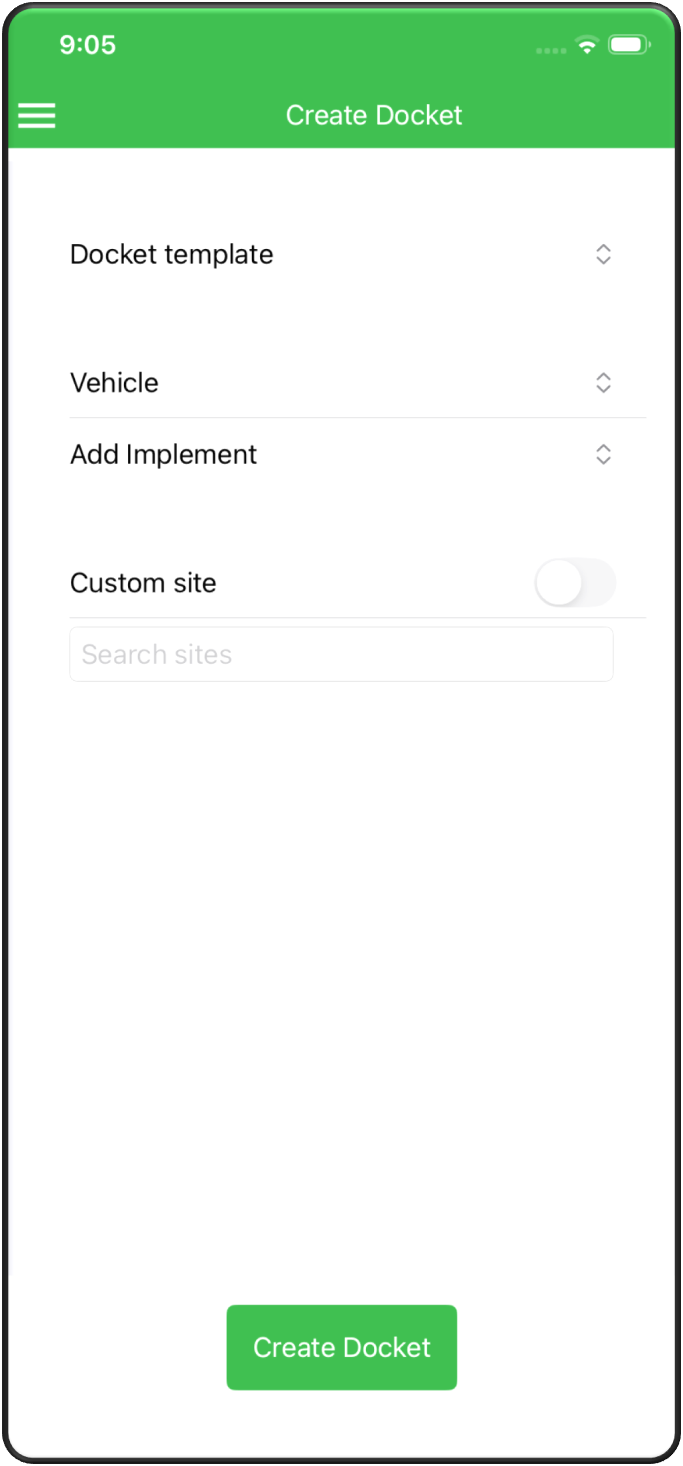
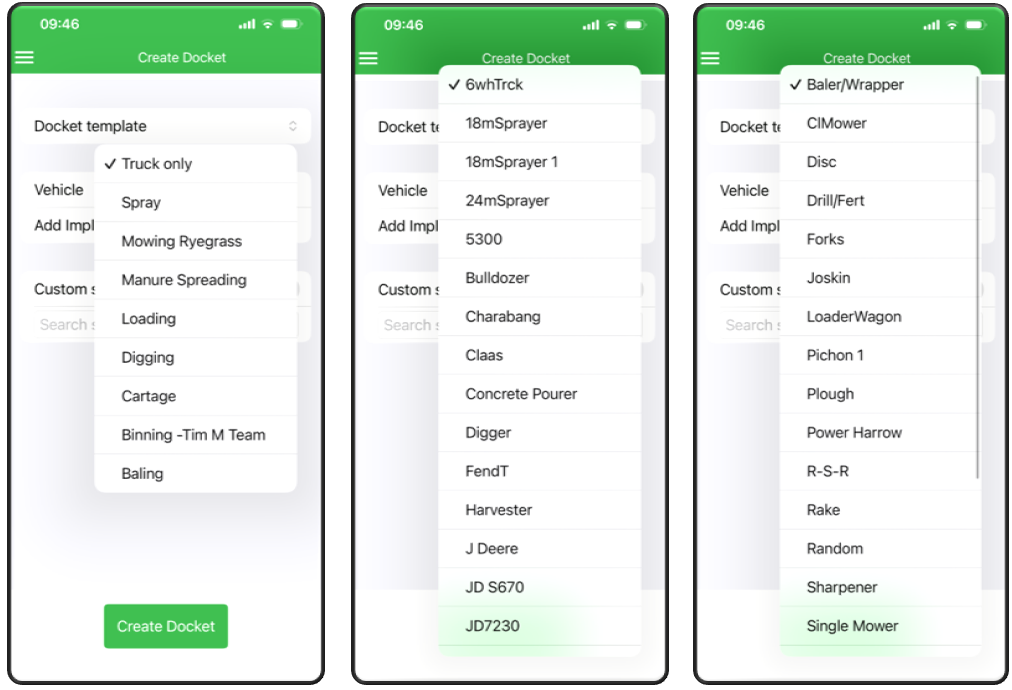
- Docket Template.
- Vehicle.
- Implement.
In the Custom Site field, search for the customer’s name.
If you are unsure, slide the toggle beside Custom Site and enter the site address manually.
- Review the information.
- Tap Create Docket.
- Notify your admin so they can process the job.